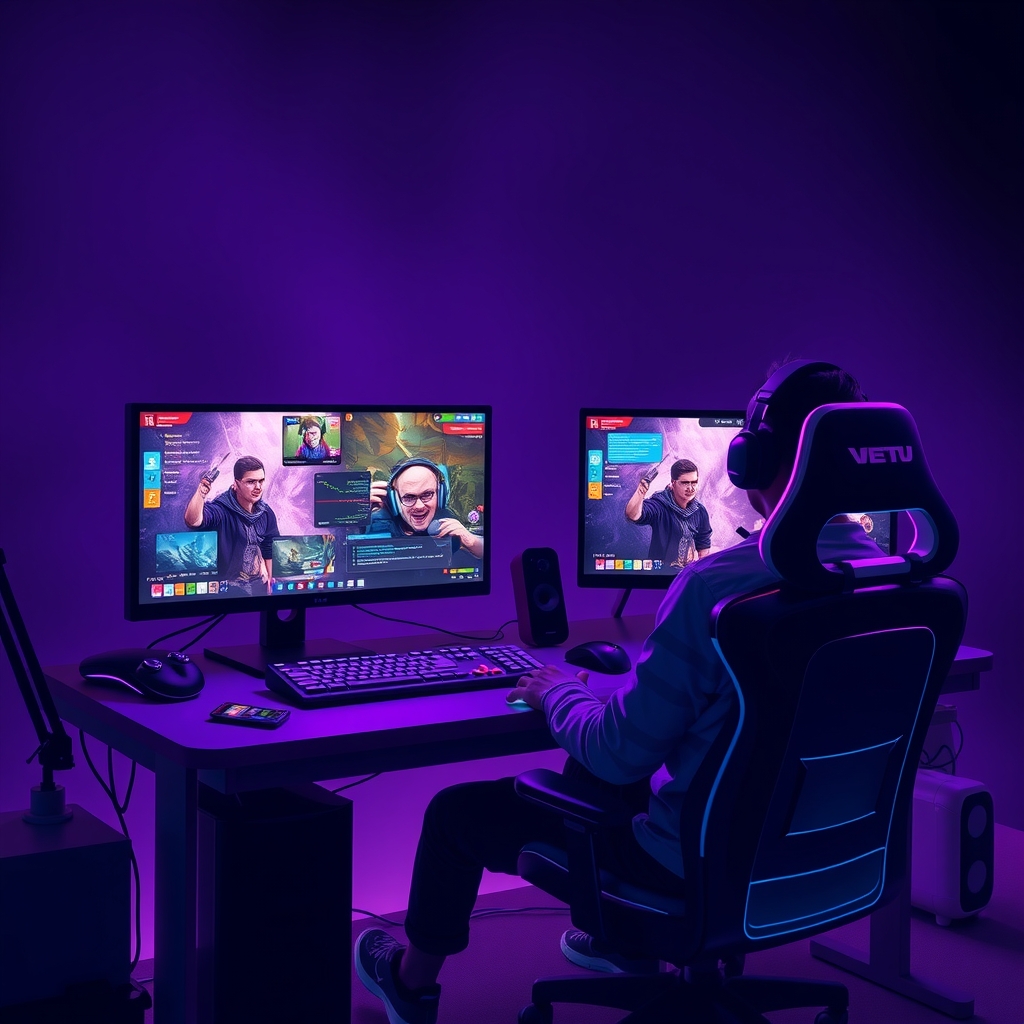
Live Streaming Without a Webcam — Make It Professional
The first thing I told myself years ago was: "I'm camera shy, so streaming isn't for me." Dead wrong. I tried it anyway, and I was shocked to discover that my best streaming sessions happened when I turned off the camera completely and focused on the game and genuine interaction with chat. Today I'm sharing everything I learned: how to build a professional, personal, and engaging stream without relying on your face.
1. Visual Design Is Everything When the Camera Disappears
In my opinion, streaming without a camera needs a more professional overlay than traditional streaming. Why? Because your viewer's eyes need something to focus on besides just the game.
Start by choosing solid colors that match your personality and channel. If you're streaming horror games, don't use bright, flashy colors — it makes no sense. Your primary, secondary, and tertiary colors need to be cohesive. I went with dark blue and hot orange, and it shows up in every element of my stream: the alert for new followers, the bar showing who's talking in chat, even the font itself.
In OBS, building a professional overlay means:
- Custom background image: Don't just use a black background. Create or buy (from Etsy or Fiverr) a simple background that doesn't distract from the game. Best option: a transparent background (PNG) with sleek corner frames and your channel logo in the corner.
- Custom alerts for followers and subscribers: When someone new follows you or buys a subscription, don't let it pass unnoticed. Streamlabs OBS lets you attach a custom alert animation — sound plus motion that appears for 3-5 seconds. I noticed this encourages viewers to follow: they see that other people did it, so they feel like part of a real community.
- Visible chat counter: Use something simple like messages per minute or "active people right now" — this shows viewers that the stream is live and there's actual interaction happening.
2. Background Music and Sound Design — This Is Your Identity
Without a camera, your sound is your face. And I don't just mean your voice — I mean the entire sonic environment.
I noticed something important: viewers don't get bored from the game itself, they get bored from silence. I added very quiet background music (around -20 decibels) during gameplay — you barely hear it, but you feel it. It fills the gaps, makes the stream feel professional.
You can use Spotify or YouTube Music freely, but know you might run into copyright issues. The safe solution: Epidemic Sound or Artlist (monthly fee but 100% safe and you can use any music). Choose music that is:
- Quiet (doesn't steal your conversation)
- Slightly repetitive and boring (so it doesn't distract even the viewer)
- Instrumental (guitar sounds, piano, synthesizer)
And sound alerts? Don't use an annoying noise for every follower. Once every five followers, a soft and gentle sound — that's enough to alert you something happened without startling the viewer.
3. Chat Is the Main Character Now
This part completely transformed my stream. When you disappear, chat becomes the primary character. You need to be present in it with force.
Reading chat messages out loud (or at least the important ones) makes viewers feel like they're actually there. I picked a method: every 2-3 minutes, I read the funniest comment or respond to a dumb question seriously — and people laugh and feel heard.
Use Text-to-Speech (TTS) carefully. Streamlabs OBS has a feature that reads messages in a robotic voice, but don't let it read everything — that's annoying. Only turn it on for donations or important messages.
Most important: set clear chat rules.
- No harassment (racist, homophobic, or abusive content)
- No spam (same message more than twice)
- No promoting other channels
One good moderator is better than 10 negative followers. Ask a trusted viewer to become a moderator — it relieves you and makes the community take care of itself.
4. Multi-streaming Doubles Your Audience
It's a huge mistake to stream only on Twitch or only on YouTube. Streaming on two or three platforms at the same time increases your audience insanely.
Use Restream.io or OBS with Twitch and YouTube together:
- Twitch: The foundation. Bigger community and better algorithm for new streamers.
- YouTube: Viewers are slightly older and more stable. Same stream, different audience.
- TikTok Live: If you're Arab, don't ignore TikTok. The Gulf and Moroccan audiences are there in huge numbers.
But be careful: each platform has different engagement. Chat on TikTok Live is faster and more chaotic than Twitch. Accept this and don't try to unify them.
5. A Consistent Schedule = A Real Community
The biggest mistake I've seen from new streamers: random streaming. Stream Saturday at 8 PM, then Wednesday at noon, then Monday with no set time.
This kills your community slowly. The viewer follows you, waits for you, can't find you — then forgets your channel.
Pick 3 fixed days a week and a fixed time, and tell your community. Even if you only stream 3 hours a week, that's better than 20 hours with no system. Followers come back because they know when you're coming.
I added the "schedule notification" feature on Twitch — it alerts followers 30 minutes before you go live. This noticeably increases viewer count in the first 5 minutes.
6. The Simple Technical Tools You Actually Need
Honestly, you don't need everything. Just buy and set up these:
- OBS Studio: Free, the best. Learn the basic settings (bitrate 6000 for 1080p/60fps, x264 encoder).
- A good mic: This matters more than anything. Don't use your computer's built-in mic. Get a HyperX QuadCast or Audio-Technica AT2020 (simple and effective).
- Streamlabs OBS: An OBS alternative with built-in alerts and easier for beginners, but uses more resources.
- Nightbot: A free chat bot that helps you. Set it up for simple commands like !commands or !social (shows your other accounts).
- SLOBS Panel (Streamlabs Panel): A mobile app to control your stream from anywhere.
Don't waste money on a green screen or 4K camera. The overlay, sound, and content matter 1000 times more.
7. Content and Strategy — Faceless Streaming Needs an Idea
Here's the harsh truth: streaming without a camera gets boring if the content is boring. You can't rely on your personal charm.
Pick one category you're good at:
- Educational stream: Explain games, teach people strategies (like: "how to survive in survival games").
- Challenge stream: Every stream has a specific challenge (beat the game without using weapons, or with eyes closed for 10 minutes).
- Community stream: Play with your followers. Let them pick the game, pick how you play — they become the main character and you're the narrator.
- Review stream:


