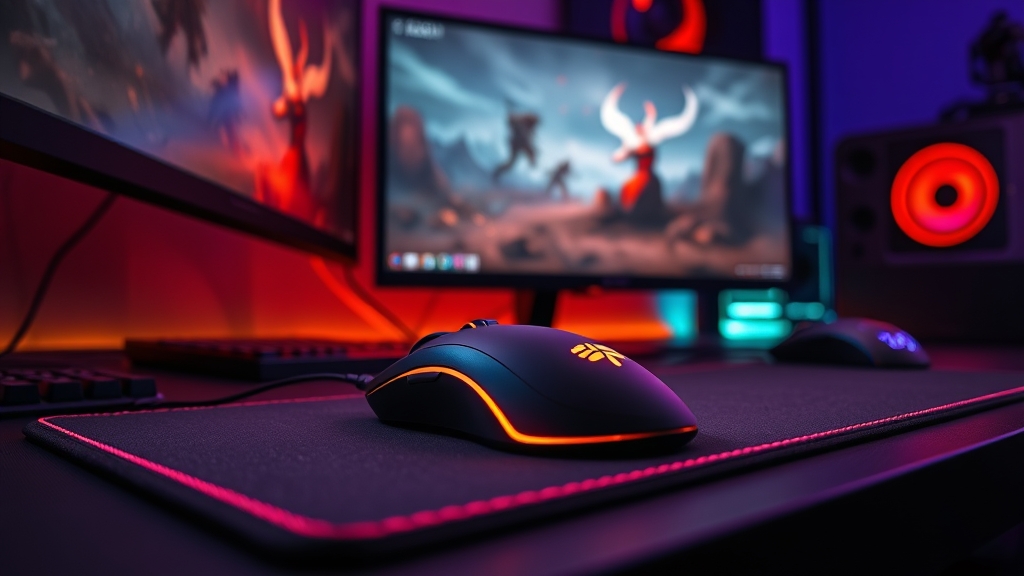
Choosing the Perfect Sensitivity in Valorant
One of the most important factors affecting your performance in Valorant is selecting the right mouse sensitivity. It's not just about moving your mouse around—it's about aiming precision and having complete control over your movement. Many Arab players overlook this crucial aspect, which directly impacts their competitive level.
Why Is Mouse Sensitivity So Important?
Imagine fighting your opponent where the difference between you is just one millimeter. That single millimeter could be the difference between victory and defeat. The right mouse sensitivity gives you the precise control you need to move your rifle quickly and steadily at the same time.
If your sensitivity is too high, you'll find your hand shaking when trying to aim at your enemy's head. If it's too low, you'll need to make large mouse movements to turn the camera, which slows you down when you need to make quick turns.
The Relationship Between DPI and In-Game Sensitivity
Two factors determine your overall mouse speed:
- DPI (dots per inch): These are your mouse's hardware settings, determining how many dots the mouse moves per inch
- In-game sensitivity: These are the settings within Valorant itself that control your camera speed
Professional players use relatively low DPI (between 400-800), combined with low in-game sensitivity. This gives them more precise control and better stability over the long term.
How Do You Find the Right Sensitivity for You?
Step One: Test Different Sensitivities
Don't rush into choosing a specific sensitivity. Start with a medium in-game sensitivity (like 0.75) with low DPI, then play several matches to feel the difference. Each day, lower your sensitivity slightly and listen to your body—do you feel more comfortable and in control?
Step Two: Get Used to Your New Sensitivity
When you choose a new sensitivity, don't expect immediate results. You need at least a week for your arm muscles to adjust to the new movements. Many players abandon a sensitivity after a day or two because they didn't feel immediate improvement, which is a common mistake.
Step Three: The 180-Degree Test
There's a practical way to measure if your sensitivity is suitable. In-game, stand in one spot and try to turn your camera 180 degrees (from front to back) with a single mouse movement across your mousepad. If you can do this comfortably, you're on the right track.
Best Sensitivities Based on Your Role
Duelist and Initiator Players
These players need relatively low sensitivity because they require high accuracy. Between 0.5 to 0.75 works great.
Controller and Sentinel Players
Slightly higher sensitivity might work better for them since their role requires faster movements and relies less on extreme aiming precision. Between 0.7 to 1.0 is reasonable.
Additional Tips to Improve Your Aim
- Use a large mousepad: Gives you more space for free movement
- Adjust your chair height: Your arm should be parallel to the ground when typing
- Reduce mouse lag: Make sure to enable Raw Input in settings
- Use training programs: Like Aim Trainer to develop your hand muscles
- Monitor your FPS: Consistent sensitivity requires consistent FPS
Conclusion
Choosing the perfect sensitivity isn't a one-time process—it's a continuous journey of improvement. What works for one player might not work for another. What matters is being patient, giving yourself enough time to adjust, and tracking your gradual progress. When you find the right sensitivity, you'll immediately feel the difference in your aim accuracy and confidence in every battle.


